 Skip to main content
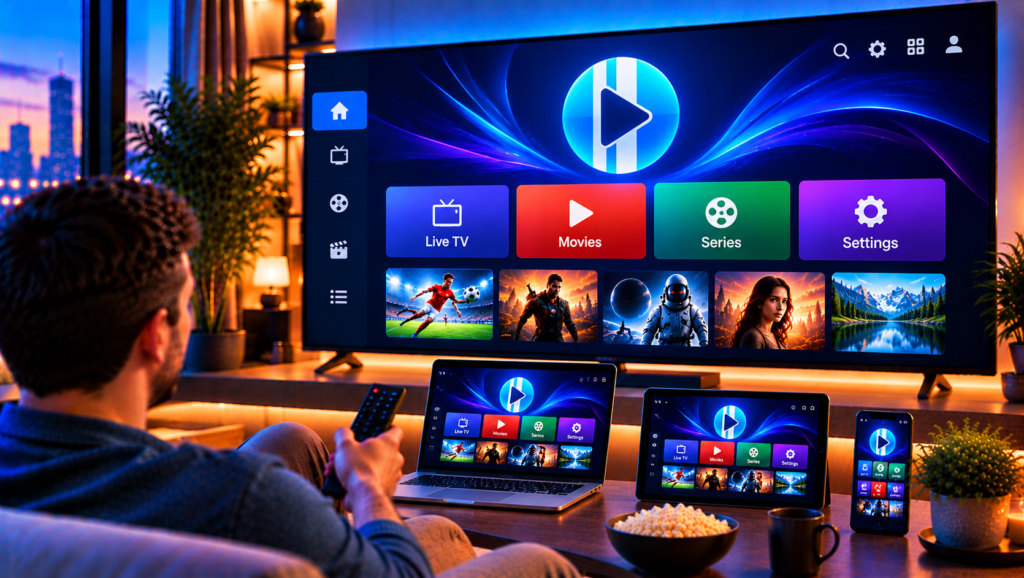
XCIPTV Player is one of the most downloaded IPTV apps on Android, and it is easy to see why. It is free to start, works on phones, tablets and Android TV boxes, and packs in features that many paid players charge for.
The catch is that the first setup can feel confusing. The app opens to a login screen, and if you have never used an IPTV player, it is not obvious what to enter. This guide explains each step in plain language, from installation to EPG setup and troubleshooting.
What Is XCIPTV Player?
XCIPTV Player is a media player app developed by Ottrun for Android devices. It plays streams from sources you provide yourself, such as an IPTV playlist or login details from your service provider.
It does not include any channels, movies, or series. Think of it as the screen and remote control, while your IPTV subscription supplies the content.
Main Features
- Two built-in players, ExoPlayer and VLC, so you do not need extra apps
- Adaptive HLS streaming for smoother playback on changing connections
- EPG support for Xtream Codes-compatible APIs, EZServer, and M3U URLs
- Catch-up TV where your provider supports it
- Movies with IMDb information and series sorted by season and episode
- Favorites for live TV, movies and series
- Backup and restore to move your settings between devices
- Scheduled recording (DVR) to internal or external storage
- Program reminders from the guide view
Which Devices Support XCIPTV Player?
The app is built for Android, so it runs on:
- Android phones
- Android tablets
- Android TV and Google TV
- Most Android TV boxes and many Fire TV setups through sideloading
The latest version requires Android 5.0 or higher, which covers almost every device sold in the last several years. The app is navigable with a TV remote and D-pad, which makes it comfortable on a large screen.
How to Install XCIPTV Player
Installation takes about two minutes.
Install on a Phone or Tablet
- Open the Google Play Store.
- Search for “XCIPTV PLAYER”.
- Confirm the developer name is Ottrun, then tap Install.
- Open the app when it finishes.
Install on Android TV
Open the Play Store on your TV, search for the same name and install it. If your box does not have the Play Store, you can sideload the APK, but only download it from a trusted source. Modified files from unknown sites can carry security risks.
What You Need Before Logging In
Gather these details from your IPTV provider first:
- Your username and password
- The server URL, sometimes called the portal or host address
- Or an M3U playlist link
- An EPG link, if one is supplied separately
Having these ready prevents most login errors. If you are not sure which details your provider gives you, our IPTV installation instructions explain the differences between login types across popular players.
How to Configure XCIPTV Player Step by Step
Step 1: Choose Your Login Method
When the app opens, it asks how you want to add your service. The most common choice is Xtream Codes API, where you type a name, username, password and server URL. The alternative is an M3U URL, where you paste a single playlist link.
Step 2: Enter Your Details Carefully
Type or paste each field exactly as supplied. A single extra space or a missing “http://” is the most common reason for a failed login. Copy and paste whenever you can.
Step 3: Let the Content Load
After login, the app downloads your channel list, movies and series. Large lists can take a minute or two the first time. Once it finishes, you will see Live TV, Movies and Series on the main screen.
Step 4: Pick Your Default Player
XCIPTV offers both ExoPlayer and VLC. If a channel stutters or shows only sound, try the other player before assuming your connection is the problem. Different streams behave better with different engines.
Step 5: Set Up Favorites
Long channel lists are tiring to scroll. Add the channels you watch most to Favorites and you will reach them in seconds.

How to Set Up the EPG in XCIPTV Player
The electronic program guide shows what is on now and what is coming next. XCIPTV can load guide data automatically when you connect through Xtream Codes, or from an EPG link when you use an M3U playlist.
If the guide looks empty or wrong, work through these checks:
- Confirm the EPG source is active and entered correctly
- Update the guide manually and wait a few minutes
- Check that your device date, time and time zone are correct, since a wrong time zone shifts the entire schedule
- Remember that some channels simply have no guide data
Useful Extra Features Worth Learning
Catch-Up and Reminders
If your provider supports catch-up, you can open a past program directly from the guide. You can also set a reminder for a show that has not started yet.
Recording With DVR
The scheduled recording feature lets you save programs to internal or external storage. External storage is the better choice for regular recording, since video files grow quickly.
Backup and Restore
Before you change devices or reinstall the app, create a backup. Restoring it later saves you from entering everything again.
Fixing Common XCIPTV Player Problems
Login Fails or the App Says Invalid
Check your username, password and server address for typos. Make sure your subscription is active and your internet is working. Restart the app and try again.
Channels Keep Buffering
Buffering usually comes from your network rather than the app. Use a wired connection on a TV box when you can, move closer to your router and close other apps that use bandwidth. Some viewers in Sweden also test a VPN, since certain internet providers slow down streaming traffic, and our VPN guide explains when that can help.
The App Crashes or Freezes
Some user reviews report crashes after updates and freezing when searching favorites through the category list. Update to the latest version, clear the app cache, and restart your device. If the problem continues, try scrolling through the tile view instead of the category menu.
Ads Appear in the App
The Play Store lists XCIPTV as containing ads. This is normal for the free version, so do not be alarmed.
XCIPTV Player Alternatives to Compare
XCIPTV is a strong all-round option, but no single player suits everyone. Some viewers prefer a more polished guide layout or different navigation, and that is a matter of taste.
It also helps to remember that the player is only half of the experience. The quality of your IPTV service decides how stable your channels are, how accurate the guide is and how good the picture looks. Swedish viewers often compare several providers, and names such as Nordic IPTV King appear in many of those comparisons. Look for a service that supplies reliable login details, a working guide and fast support.
Frequently Asked Questions
Is XCIPTV Player free?
Yes, the app can be installed for free from the Google Play Store, and the free version shows ads. It does not include any content, so you still need your own source.
Does XCIPTV Player include channels?
No. It is only a player. You must provide a playlist or login details from your provider.
Can I use XCIPTV Player on a Smart TV?
Yes, if the TV runs Android TV or Google TV. Other Smart TV systems may need a different app.
What is the difference between Xtream Codes and M3U in XCIPTV?
Xtream Codes uses a username, password and server address, and usually loads the guide, movies and series automatically. M3U uses a single link and may need a separate EPG link.
Why is my XCIPTV guide empty?
The usual causes are a wrong EPG link, a delayed update or an incorrect time zone on your device.
Can I record shows with XCIPTV Player?
Yes. The app supports scheduled recording to internal or external storage, provided your stream allows it.
Final Thoughts
XCIPTV Player gives you a lot for a free app: two built-in players, a clear guide, catch-up, recording and easy backups. Once you know which login details to use and how to set the EPG, the rest is quick.
If you are looking for a stable Swedish IPTV service to use with XCIPTV Player, with live channels, sports, movies and series in HD, FHD and 4K, you can explore the packages at Monster IPTV and get started with login details that work from the first launch.
