 Skip to main content
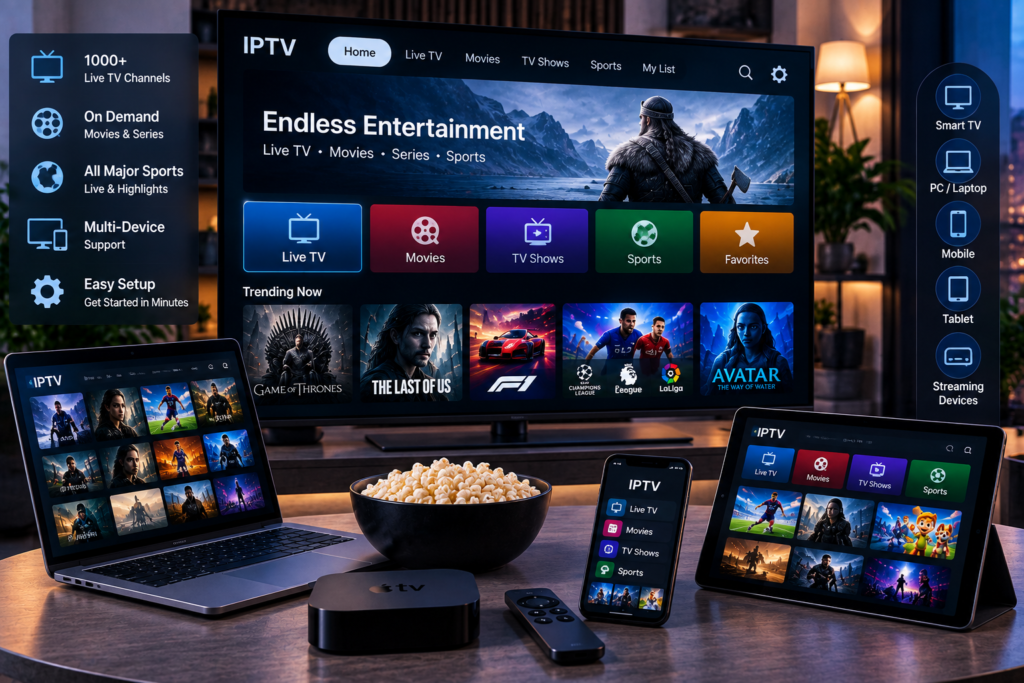
Choosing the right IPTV subscription is about more than finding the biggest channel list or the lowest monthly price. A good service should give you stable streaming, the channels you actually watch, reliable picture quality, simple setup, compatible apps, and support when something goes wrong.
For viewers in Sweden, the decision can involve Swedish television, Nordic channels, international entertainment, live sports, movies, series, and support for Smart TVs, phones, tablets, computers, and streaming devices. The best approach is to compare each service using the same criteria before committing to a longer plan.
This guide explains what to look for, what to test, and which features matter most when comparing IPTV subscriptions.
What Is an IPTV Subscription?
An IPTV subscription gives you access to television content delivered through an internet connection instead of traditional terrestrial, satellite, or cable broadcasting.
Depending on the service, a subscription may include live TV channels, sports, movies, television series, video on demand, Electronic Program Guide information, catch up features, and different video resolutions.
IPTV itself is simply a delivery technology. The actual experience depends on the provider, server performance, available content, your internet connection, your playback device, and the IPTV application you use.
This is why two services that advertise similar features can perform very differently in everyday use.
Start With the Channels You Actually Need
Large channel numbers can look impressive, but total quantity should not be your first priority.
Think about what you regularly watch. Swedish viewers may want local television, Nordic programming, European channels, international news, children’s content, movies, entertainment, or specific sports networks.
Before choosing a plan, review the provider’s available IPTV channels and make a short list of the channels that matter most to your household.
A service with thousands of streams is not useful if the ten channels you watch every week are missing or unreliable.
Look Beyond Live Television
Many IPTV packages also include movies and television series through a video-on-demand library. If this matters to you, check how the library is organized.
Useful categories, search functions, subtitles, audio options, and recently added content can make a significant difference to daily use.
It is also worth checking whether movie and series titles open quickly instead of judging the library only by its advertised size.
Evaluate Streaming Stability
Stable streaming should be one of the most important factors when selecting an IPTV provider.
Buffering once because your Wi Fi connection briefly drops is different from a service that freezes repeatedly during busy periods. You need to understand where the problem comes from.
A useful IPTV service should load channels quickly and maintain playback without constant pauses under normal network conditions.
Test During Peak Viewing Hours
Testing a service only in the morning can give you an incomplete picture. Evening hours and major sporting events can place more demand on streaming infrastructure.
If a trial is available, test channels when you would normally watch them. Keep several live streams running for a reasonable period rather than switching channels every few seconds.
Look for repeated freezing, sudden quality drops, audio delays, failed channels, and long loading times.
Sports are especially useful for testing because fast movement makes picture quality and stream stability easier to judge.

Compare HD, FHD, and 4K Carefully
Resolution labels do not tell the whole story.
HD, FHD, and 4K streams require different amounts of bandwidth, but the source quality and video compression also affect what you see on screen.
Test picture quality on the television or monitor you normally use. A stream may look sharp on a phone but show compression, motion blur, or poor detail on a large 4K television.
Your internet connection must also be capable of handling the selected resolution consistently. A slightly lower resolution that plays smoothly is often more enjoyable than a higher resolution that buffers every few minutes.
Check Device Compatibility Before Paying
Your IPTV subscription should work comfortably with the devices already in your home.
Common options include Smart TVs, Android TV devices, Fire TV devices, smartphones, tablets, PCs, and dedicated IPTV boxes. Some households also want to switch between a television in the living room and a mobile device while travelling.
Check whether your intended device is supported before purchasing a long term package.
The provider should also explain which connection method is available, such as playlist credentials or a compatible login system.
Consider the IPTV Player
The subscription provides the streams, while an IPTV player is usually the application used to organize and display them.
Popular players may provide channel groups, favourites, EPG information, subtitles, search tools, and easier remote control navigation.
Compatibility matters because a good service can still feel frustrating inside a poorly configured application.
The competitor landscape shows why this is important. Users often discuss TiviMate, IPTV Smarters, Fire TV devices, Android TV hardware, EPG loading, and channel switching when evaluating real world IPTV performance.
A provider such as Viking IPTV can be assessed using the same device and player as any other service so your comparison remains consistent.
Compare IPTV Subscription Prices Properly
The cheapest plan is not automatically the best value.
When comparing prices, check what each subscription actually includes. Look at subscription duration, number of connections, content access, picture quality, support, and any restrictions.
Longer packages often appear cheaper when calculated monthly, but starting with a shorter plan can reduce risk when trying a new service.
You can review IPTV price and package comparisons to understand how different subscription lengths and options are structured before deciding which term suits you.
Do Not Choose by Price Alone
A low monthly cost loses its value if channels frequently fail, support does not respond, or the service performs poorly during the programmes you care about.
Think in terms of overall value rather than the smallest number on the checkout page.
Useful factors include stability, content relevance, device support, ease of setup, picture quality, and customer assistance.
Look for a Trial Before a Long Subscription
A trial can provide more useful information than a long features page.
Use it to test your favourite channels, live sport, movies, series, EPG data, subtitles, and different resolutions.
Most importantly, test the service using your normal home internet connection and primary device.
If possible, test at more than one time of day. Twenty minutes of perfect playback does not prove that performance will remain the same during evening viewing.
A trial should help you answer a simple question: does this service work well for the way you actually watch television?
Check the Electronic Program Guide
An Electronic Program Guide, commonly called an EPG, displays programme schedules for live television channels.
A good EPG helps you see what is currently playing and what comes next without opening external websites or searching manually.
During testing, check whether times are accurate, programme names appear correctly, and guide information loads consistently across the channels you use.
An incomplete or inaccurate EPG may not stop the stream from working, but it can make everyday navigation much less convenient.
Pay Attention to Customer Support
Support often seems unimportant until something stops working.
You may eventually need help configuring an app, refreshing account details, setting up another device, understanding a connection error, or renewing a subscription.
Before committing to a long package, check how support works. Clear instructions and useful responses matter more than generic promises of constant availability.
You can even ask a genuine technical question before buying. The quality of the answer tells you something about the experience you may receive later.
Check Multiple Connection Rules
Do not assume that one subscription automatically allows unlimited simultaneous devices.
Some services support one active stream at a time, while others offer packages with additional connections.
This matters in households where one person may watch sport on the television while someone else watches a movie on another device.
Check simultaneous connection rules before ordering rather than discovering the limitation after setup.
Consider Your Internet and Home Network
Not every IPTV problem comes from the IPTV provider.
Your router, Wi Fi coverage, internet service provider, device performance, background downloads, and network congestion can all affect playback.
If possible, compare Wi Fi with a wired Ethernet connection. If buffering disappears over Ethernet, your wireless network may be the issue.
Restarting the router and testing the same stream on another device can also help isolate problems.
For 4K viewing, consistent bandwidth matters more than a high speed result that fluctuates heavily from one minute to the next.
Review Security and Service Transparency
Before entering payment information, make sure you understand who you are dealing with and what you are purchasing.
Look for clear subscription terms, contact information, payment details, refund conditions where applicable, and understandable setup instructions.
You should also consider whether the provider is transparent about content availability and rights. IPTV technology is legal, but the legality of particular content depends on whether the necessary distribution rights exist in the relevant jurisdiction.
Avoid choosing a service only because it makes unusually large promises without explaining what is actually included.
A Simple IPTV Subscription Checklist
Before buying, check whether the service provides the channels you want, stable live streaming, acceptable HD or 4K quality, useful EPG information, compatible apps, support for your main devices, suitable simultaneous connections, responsive customer help, clear pricing, and a reasonable way to test the service.
If several of these points are unclear before payment, keep researching.
A well-chosen subscription should make television easier to watch, not create another technical problem to manage.
Frequently Asked Questions
What Should I Look for in an IPTV Subscription?
Focus on stream stability, relevant channels, device compatibility, picture quality, EPG accuracy, customer support, subscription terms, and simultaneous connection limits. A large channel number alone is not enough to judge quality.
Is 4K Important When Choosing IPTV?
4K can improve picture quality when the original stream, television, device, and internet connection support it properly. Stable HD or FHD may provide a better experience than unreliable 4K playback.
Can I Use IPTV on a Smart TV?
Many IPTV services support Smart TVs through compatible applications. Support varies by television operating system and IPTV player, so confirm compatibility before subscribing.
Should I Choose a Monthly or Yearly IPTV Plan?
A shorter plan gives you more flexibility when trying a provider for the first time. A longer package may provide better monthly value once you are satisfied with stability, content, and support.
Why Does IPTV Buffer?
Buffering can come from the streaming service, internet connection, Wi Fi interference, router performance, playback device, app configuration, or congestion. Testing the same stream on another device or through Ethernet can help identify the cause.
Choosing an IPTV subscription becomes much easier when you compare real viewing quality instead of relying only on channel counts and advertising claims. Check the content you watch, test performance on your own devices, understand the package terms, and make sure the service fits your household. When you are ready to review an option designed for Swedish viewers across live TV, sports, movies, series, HD, FHD, and 4K streaming, visit Monster IPTV and choose the subscription that matches your viewing needs.
